
Today we discuss to create a custom section in Shopify.
Sometimes we want to display some extra content dynamically.
Steps to create section:
1) From Shopify admin, go to Online Store > Themes.
2) Find the theme you want to edit and click Actions > Edit code.
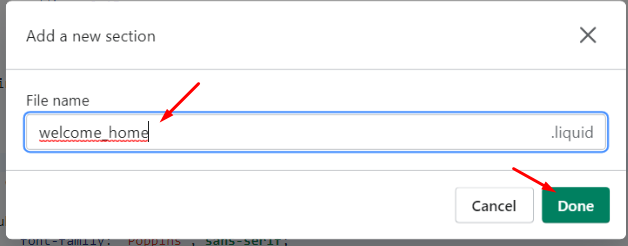
3) Go to Sections > Add a new section > Enter section name (eg:-welcome_home).
4) Click on newly created section.
Source code exmaple :-
<div class="container">
    <div class="custom-content-box">
        {% if section.settings.heading != blank %}
         <h4>{{ section.settings.heading }}</h4>
        {% endif %}
      	<p>{{ section.settings.content }}</p>
    </div>
    </div>
      <div class="custom-content-img">
        {%- if section.settings.myimage != blank -%}
          {{ section.settings.myimage | img_url:'512x'| img_tag: section.settings.myimage.alt }}
        {%- else -%}
          {{ 'logo' | placeholder_svg_tag: 'placeholder-svg' }}
        {%- endif -%}
    </div>
</div>
{% schema %}
  {
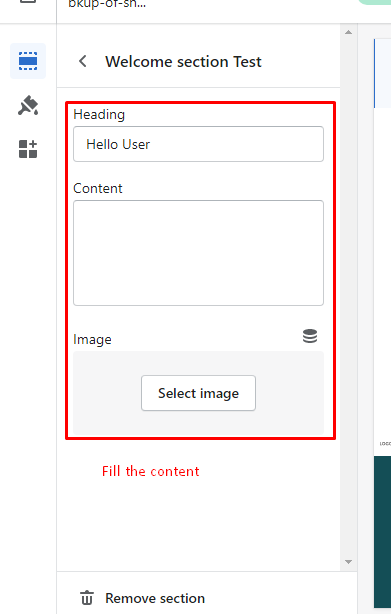
    "name": "Welcome section Test",
    "class": "welcome-section",
    "settings": [
      {
        "type": "text",
        "id": "heading",
        "label": "Heading",
        "default": "Hello User"
      },
      {
        "type": "textarea",
        "id": "content",
        "label": "Content"
      },
      {
        "type": "image_picker",
        "id": "myimage",
        "label": "Image"
      }
    ],
    "presets": [
        {
        "name": "Welcome section Test",
        "category": "Welcome section"
        }
      ]
  }
{% endschema %}

{% stylesheet %}

{% endstylesheet %}

{% javascript %}
{% endjavascript %}
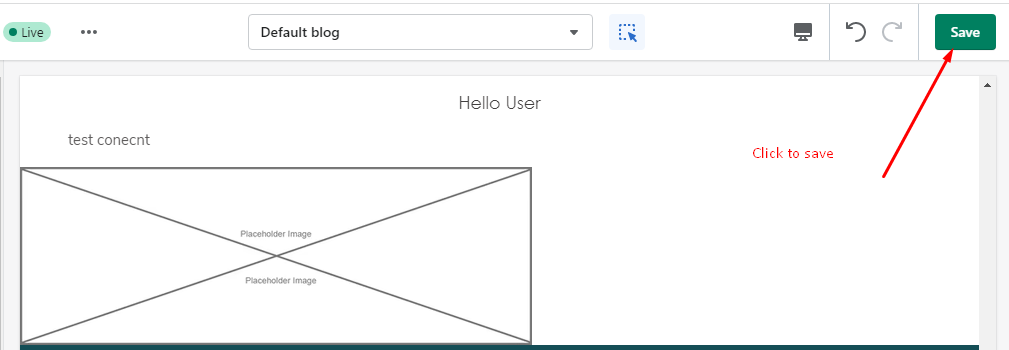
5) Add shown above and SAVE it.
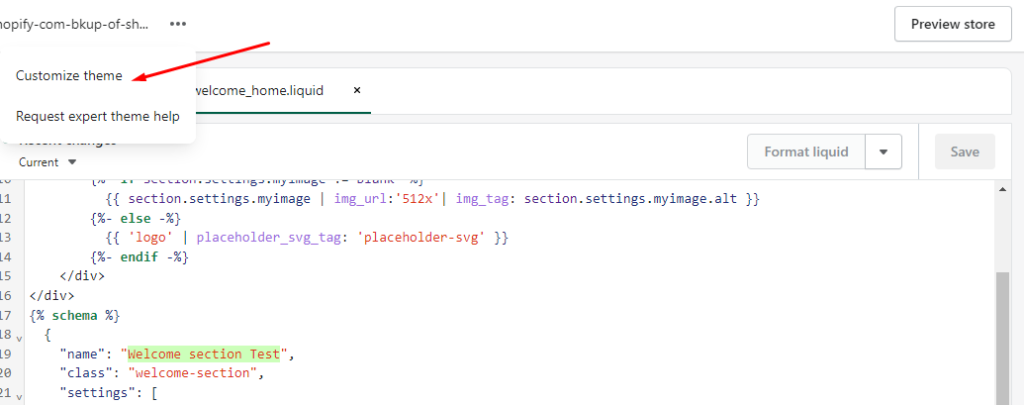
6) Click the Customize theme.
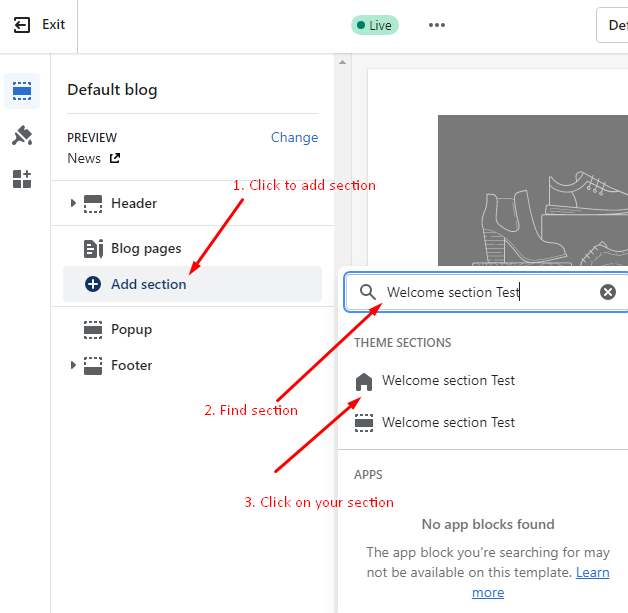
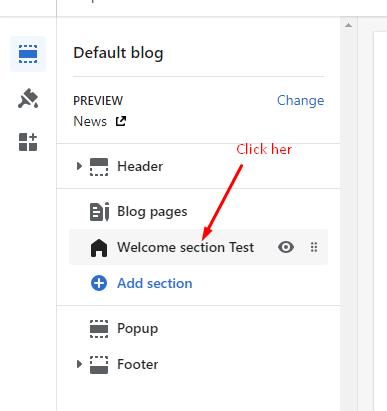
7). Under Sections select “Add section”.
Enjoy create custom section in shopify !
Related Post – Add Color Swatches In Shopify